CloudCastle Agent
Keeps every computer on one screen.

Windows · macOS · Linux
We detected your computer below. See its version and checksum first.
Home
Free for 14 days at home. No card needed.
What you install
Install the CloudCastle Agent first, then Defender on top.
Keeps every computer on one screen.
Stops attacks on its own.
Fixes problems on its own, and keeps a written record.
After you install
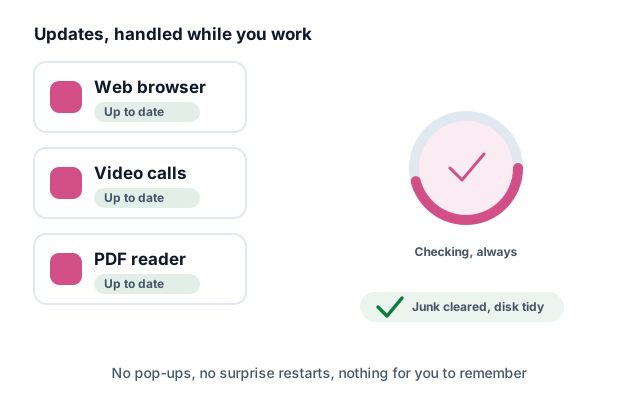
CloudCastle updates itself and grabs security fixes.
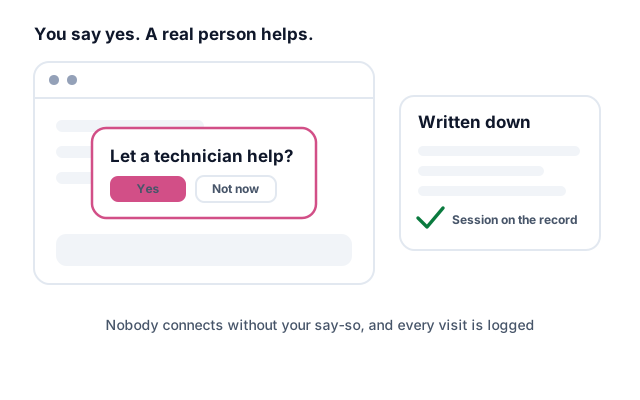
Getting CloudCastle installed and working is product support, so it costs nothing extra on any active plan. Email us and someone will connect and finish the install with you.
Everyday tech support for the computer itself — a printer, an email account, a machine to set up — is a separate add-on. See managed service.
Before you install
Install the Agent first — Defender reports against it.
Free for 14 days at home. After that, downloads need a plan.
Not code-signed yet, so SmartScreen may warn you. Choose More info, then Run anyway.
Yes, and it costs nothing extra. Getting CloudCastle installed and working is product support, which comes with any active plan. Email support@cloudcastle.ai and someone will connect and do it with you, 10 AM–6 PM Central, Monday through Friday. You can book a time that suits you.
That part is an add-on. Everyday tech support — printers, email, a new machine, anything on the computer that is not CloudCastle itself — is handled by a US technician as part of our managed service, quoted on top of your plan — or we point you at a partner provider who can take you on. See how it works, book a time, or contact sales.